How to Replace Your Subscriptions with a Raspberry Pi
Tucker · 4,089 words · 20 min read · EN-ORIG
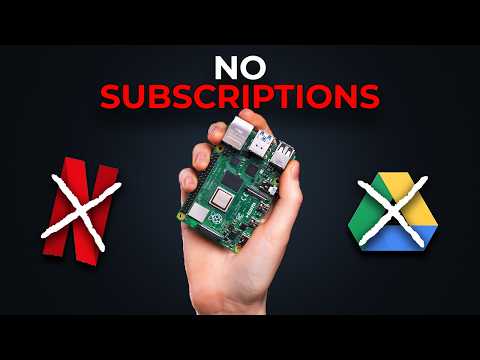
Below is the complete, readable transcript of How to Replace Your Subscriptions with a Raspberry Pi by Tucker on YouTube. Read the full text, copy any part you need, or generate a transcript for any video with our free tool.
So, you bought a Raspberry Pi and want to set up your own home server. I'm going to teach you how to do it right now. I'm going to be using this kit from Canit. It has everything you need. It has 128 GB SD card, a nice little case to put your Pi in, a heat sink, and a
fan to keep the Pi cool, and a power supply, a USB micro SD card reader, and finally, the actual Pi itself. The only things you'll need that this kit doesn't include is an Ethernet cable and some kind of storage. I have an external Samsung SSD that I'll be using that's 1 TB. First things first, grab your USB
micro SD card reader and pop that micro SD in and plug it into your computer. Hop on your computer, go to raspberrypi.com/software. Scroll down here. We can see the options. Download for Windows, Mac OS, or Linux. I'm on Windows. So, once we have the imager downloaded, select the Pi model. This is Pi 5. Scroll down on
the operating systems and select other. We want to install Raspberry Pi OS light. Select your storage device. This is just the micro USB. and choose your host name. I would recommend calling it media pi like I do so the commands are similar that we're going to be using. Select your time zone and country. Next,
we're going to create a username and password for our Pi. This is how we're going to connect into it. I'm going to choose the username Tucker. You could choose whatever you want here, but this will change the commands you're using. I'll show you in the section coming up. You could enter your Wi-Fi name and
password here, so your Pi will connect over Wi-Fi. Since we're using an Ethernet, this won't matter, but it is an option. But if you're doing any sort of video, this will not be good. So use Ethernet. Make sure to enable SSH and have use password authentication selected. We could skip past this screen
Transcribe another video
Paste any YouTube, Instagram or TikTok link to get a free transcript.