TouchDesigner POPs Tutorial: GLSL POP | liquid Ocean Wave -3D FlowField Particle
Axi0m · 978 words · 5 min read · EN
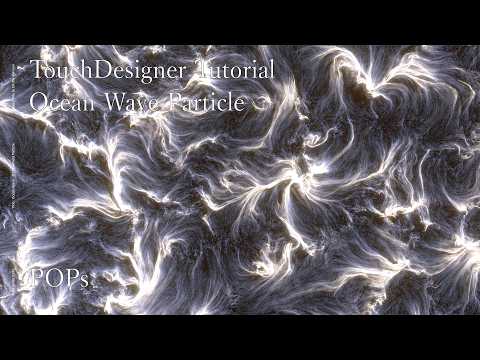
Below is the complete, readable transcript of TouchDesigner POPs Tutorial: GLSL POP | liquid Ocean Wave -3D FlowField Particle by Axi0m on YouTube. Read the full text, copy any part you need, or generate a transcript for any video with our free tool.
In this video, I will show you how to create an ocean surface wave effect in TouchDesigner. Also, the version I made into a TOX and turn into a tool is available on my Patreon, so please feel free to use it if you're interested. This project is made up of the following sections. Surface flow setup.
Particle setup. Rendering. Making trail. On this channel, I also post short tutorial videos mainly focused on TouchDesigner. I'd be glad if you subscribe to the channel. Project files and exclusive files are also available on Patreon. If you found this tutorial helpful, I would greatly appreciate your support there. We're going to add a null pop.
To set up the rendering, we're going to add a geometry comp, a camera comp, a light comp, and a render top.
Let's move to the light tab and set dimmer to five. Then, please move to the shadow tab and change shadow type to soft. You can also increase the shadow resolution value to create higher quality shadows.
Set the background alpha to one. Also, if you like, change the pixel format to 32-bit float RGBA. We're going to add a phong MAT. Drag and drop it onto the geo comp and set it as the material.
We're going to add a point generator pop. We're going to connect the point generator pop to a null POP. We're going to display the render top in the background. We're going to split the screen vertically and display the rendered result in the upper area.
Transcribe another video
Paste any YouTube, Instagram or TikTok link to get a free transcript.