How to Schedule Zoom for Your Students by a Student
TeachwithDrD · 358 words · 2 min read · EN
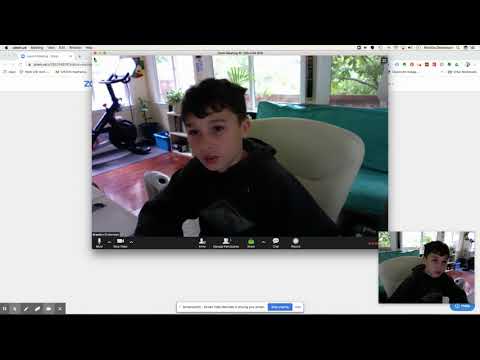
Below is the complete, readable transcript of How to Schedule Zoom for Your Students by a Student by TeachwithDrD on YouTube. Read the full text, copy any part you need, or generate a transcript for any video with our free tool.
hi today we're gonna be doing Hamish I'm gonna be showing you how to do a zoom in okay so we're gonna want to zoom we will click the first link right here alright we're gonna press host a meeting video arm then we're gonna find it with Google excited however you want doesn't really
matter alright so once you're signed in Google wanna schedule a new meaning right over schedule a meeting and I'll just stop it what same topic is math description doesn't really matter we could do pages 101 and 102 when both you're a teacher you want to do it tomorrow you could schedule it for tomorrow but right now
we're gonna really do this right now so let's start it right now on duration would be 1 hour time zone I'm in the US so you're gonna do that you're not really gonna want to touch any of these um this is really really nothing you want to always press on for both of
these that way you can see your students or friends faces this doesn't really matter and then you're gonna press save alright and of course you can play around with it you can do whatever you want but and that's the meeting password and so what we're going to do let's press start this meeting alright and
then we're gonna be connecting and then we're right here right and then Google is tell your um friend or whatever Oh was their meeting ID is two two five five fifty four six one nine okay so what they're able to do is long to zoom click the first link and then stead of pressing
host a meeting they're gonna press join a meeting and then they're gonna ask you for the meeting idea so you go to the zoom meeting which is very my zoom meeting is said then you delete all them oh the zoom in 98 to 5 5 to z 4 to 5 5 to 3 4 and then Oh 649 so then 6 1 9 all
Transcribe another video
Paste any YouTube, Instagram or TikTok link to get a free transcript.