Host website on github for free in just 2 mins
Akriti Goswami · 230 words · 1 min read · EN-ORIG
Below is the complete, readable transcript of Host website on github for free in just 2 mins by Akriti Goswami on YouTube. Read the full text, copy any part you need, or generate a transcript for any video with our free tool.
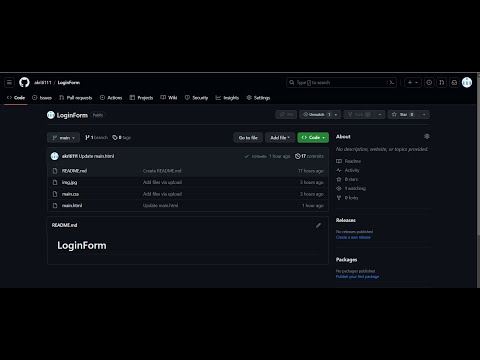
hey guys in this video I'll show you how to publish your front-end website using GitHub for free so here we have a repository that has three files main. HTML main. CSS and an image and if I scroll down a bit you will see that this project is 65% CSS and 35% HTML so to
begin with let's go to settings next click the pages Options under codes and automation section select the deploy from a branch option for source and select the branch you want the code from in my case it is the main
branch then select the directory it's root for me because I did not keep my code inside any other directory then click save to save the GitHub Pages source now go to code you will see a small yellow circle click on it and and then on details this shows the backend processing of what's Happening currently
once all the steps are successfully complete it's time to go back to settings and then Pages you will see your website link here in few seconds refresh the browser website is now live we can click on this link or visit site option to open our website link anyone can access the website using the generated
link to unpublish the hosted website simply Select Three Dots and then unpublish site
option thank you for watching
Transcribe another video
Paste any YouTube, Instagram or TikTok link to get a free transcript.